Disaster Recovery Planning for IT Teams
Sooner or later someone asks you: "If we lost the building, how long until we are running again, and is the data safe?" This page helps you build an answer you can stand behind, one failure at a time. For most teams the answer includes a second site, so it also shows how to build one in our Knoxville facility, from a single server to a private cage.
Start with what you are protecting against
Different failures need different fixes. Find yours.
Fire, flood, storm or a long power failure takes out your building
You need a copy of your data, and a place to run it, somewhere else.
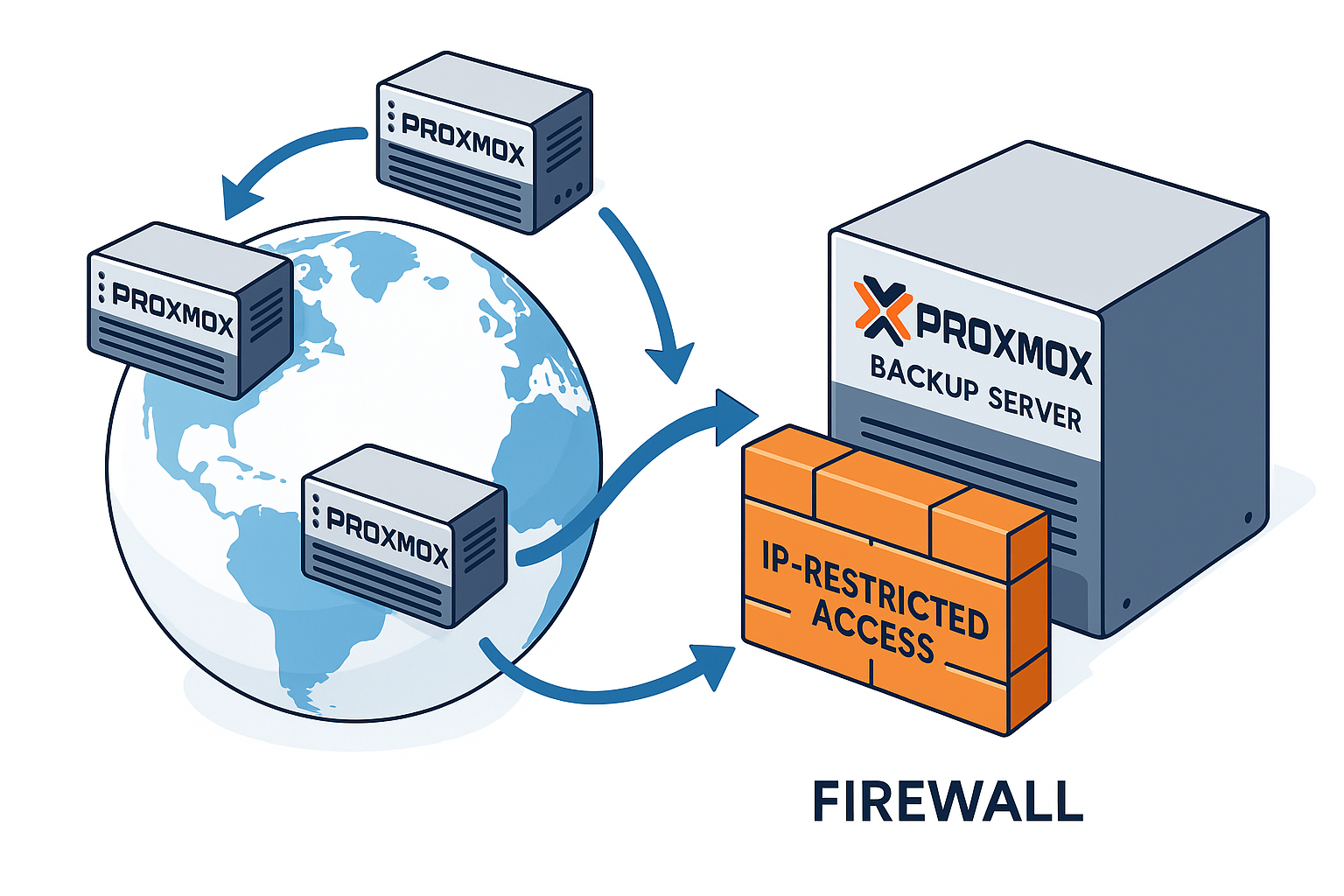
Offsite Proxmox backup, remote backup, or a recovery site in our Knoxville colocation space, from one server to several cabinets.
A server fails, storage corrupts or ransomware hits
You need restore points you can go back to, kept away from the machines that failed.
Proxmox Backup Server for VMs, remote backup for everything else.
Your mail server goes down
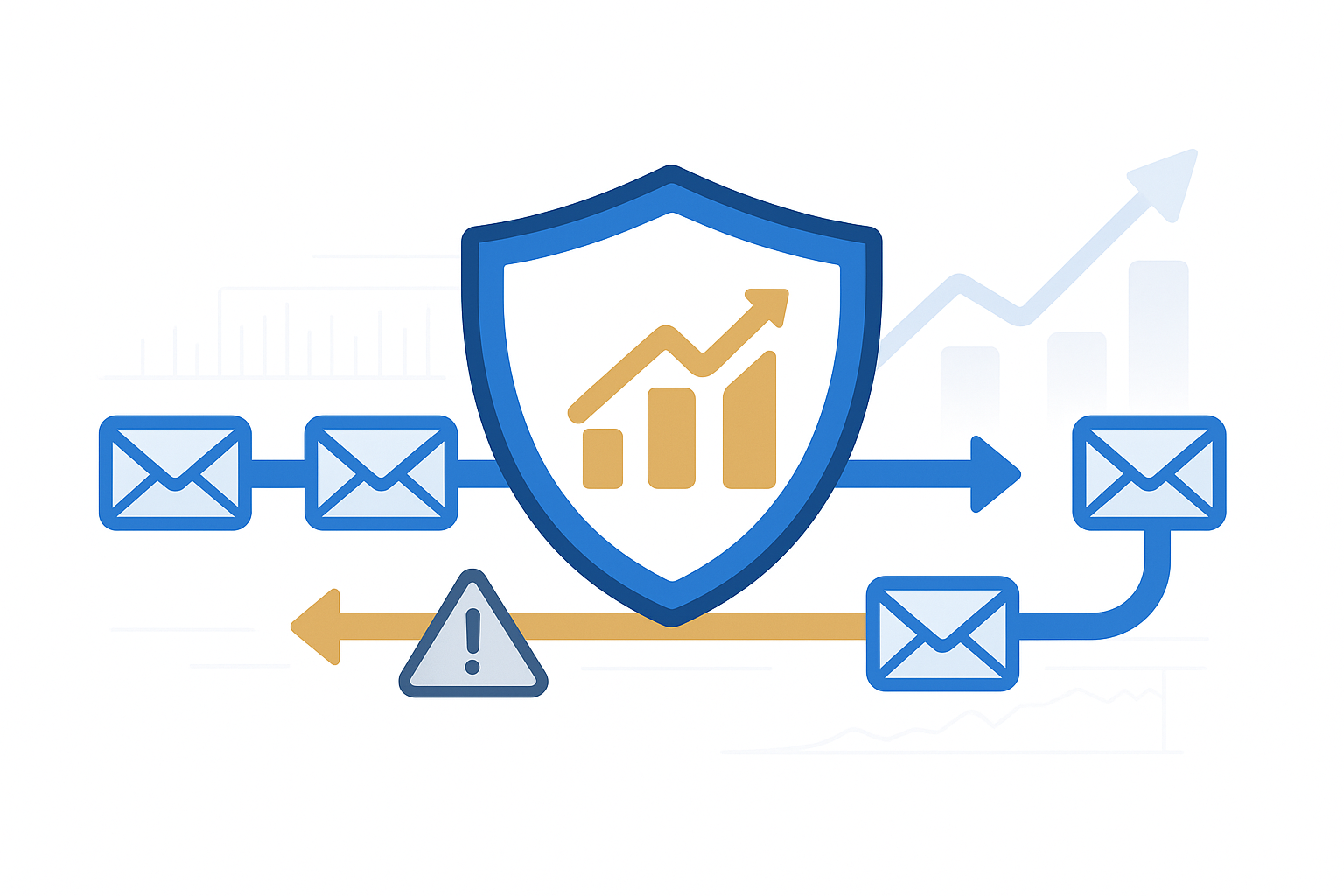
You need mail to keep arriving and to deliver once the server is back.
Someone deletes data in Microsoft 365
You need a copy that lives outside your tenant.
Five questions to answer before you buy anything
- Where does your offsite copy live, and how far is it from the thing that could take you down?
- How long can you be down before it hurts the business? That is your recovery time.
- How much recent data can you afford to lose? That is your recovery point.
- Who does the restore, and can they reach the data when your own site is gone?
- When did you last test a restore, start to finish?
If any answer is "I do not know", that is the first thing to fix.
Build your recovery site in Knoxville
Our Knoxville facility sits more than 100 miles from the other Tennessee datacenters, so one regional event is less likely to take out both your primary and your recovery site. Engineers work on site, power is N+1 with generator backup, and pricing is a fixed monthly rate held for the life of your term. Start with one server and add cabinets as your plan grows.
1. One recovery server
A single server that holds your replicas or can take over for your most critical system.
2. A cabinet of your own
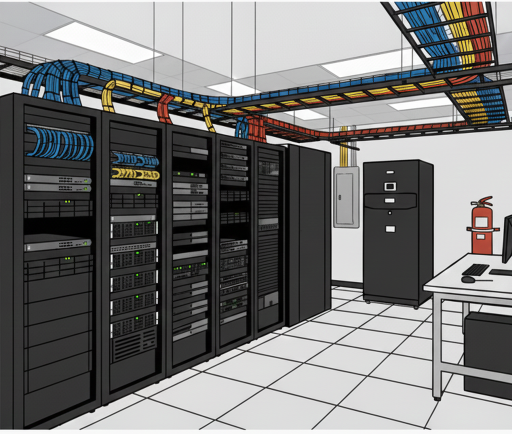
Room for a full recovery stack: servers, storage and network gear together.
3. Two full cabinets
Two full 42U cabinets on one agreement. Put both on the same plan, or one on each plan for two independent upstream networks.
4. Multiple cabinets or a private cage
Several cabinets or a private cage on one agreement, each on two independent upstream networks for failover. Sized for disaster-recovery sites, standby systems and equipment you bring and rack yourself.
What a recovery site also needs
- Hands when you are not there. Remote hands for reboots, cable management and hardware replacement, and remote console access (IPMI, iDRAC or iLO).
- Power you can cycle from anywhere. A switched PDU port for off-site power cycling is available.
- Addresses and bandwidth. IPv4 addresses are included with every footprint, with more available on the Density Plan.
- A link back to your primary site. See Point-to-Point Connections and Ethernet Virtual Private Line.
Prefer to start smaller? Add an offsite copy first with Backup & DR, then grow into a recovery site.
Next step
Talk to us about disaster recovery
Describe Your Challenge Schedule a CallOr call 866.790.4678
Tell us about your disaster recovery needs
Describe your situation and we will look into it and get back to you.
Describe Your Challenge Schedule a Call